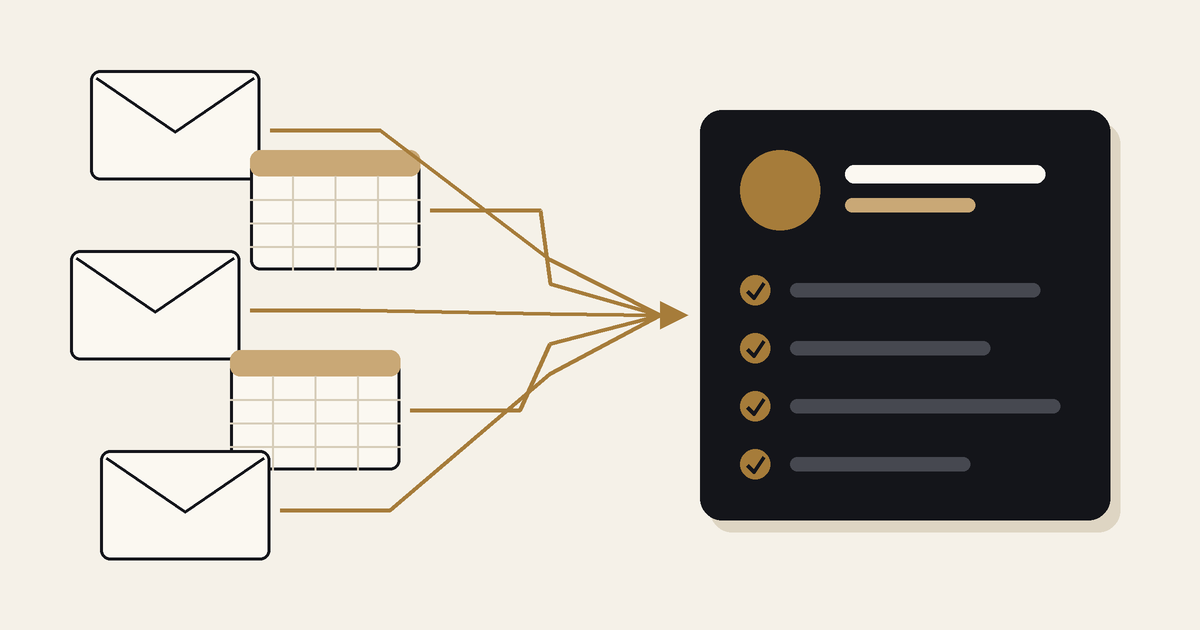
Connecticut Children's Foundation raises funds for Connecticut Children's, the only hospital in Connecticut dedicated exclusively to the health and well-being of children and families. The foundation thanks donors with personal videos through ThankView, and those donor lists come from Salesforce. In 2026, the ThankView to Salesforce sync was failing.
The cause was not in the connection between the two systems. An existing Salesforce automation created a task without a due date, a rule rejected that task, and the sync failed.
Healthcare and life sciences organizations connect new tools to Salesforce regularly: donor engagement at foundations, event lead capture at medical device companies, marketing platforms at CROs. Each new connection meets every automation and rule already in the org. This post sets out what happened at the foundation and the checks that follow from it.
What happened at Connecticut Children's Foundation
The foundation returned to Moblize.it in 2026 for continued Salesforce support, after the earlier one-year project. This year's focus was donor outreach. The work ran in three parts:
- Data Review: a review of donor communication instructions and contact records, with a cleanup report for the foundation's team.
- Export Tooling: a tool and a spreadsheet macro that turn a Salesforce report export into a ThankView ready file, and set aside donors who have no email address or have opted out.
- Integration Support: tracing why the sync was failing, then working with the foundation's Salesforce admin on the fix.
Project Outcome: the ThankView to Salesforce sync is fixed and working. The foundation's team produces ThankView files straight from Salesforce reports, and donors who opted out stay out of the video lists.
Why this type of failure is easy to miss
An automation and a validation rule can each be correct on their own. Each was built for a purpose, and neither was built with the next integration in mind. The failure only appears when a new process meets both.
Three things make the cause harder to find:
- The failure appears in the wrong place. The new tool reports the error, so attention goes to the new tool and its connector.
- The rejected record may not be the one being synced. At the foundation, the record that broke the rule was a task created by an automation.
- The knowledge sits with different people. The tool's vendor knows the connector. The Salesforce admin knows the org. The cause sits between the two.
Five checks before connecting a new tool to Salesforce
- List every object the tool writes to. Include objects it updates as well as objects it creates. This list sets the scope for Discovery.
- List what runs on those objects. Record-triggered flows, Apex triggers and any other automation that fires when those records change.
- List what can reject a record. Validation rules, required fields and duplicate rules on each object.
- Follow the records that automations create. A task, case or follow-up record created by an automation has to pass the same rules. This is the check that applies directly to the foundation's failure.
- Test as the integration user, end to end. Run real scenarios in a sandbox under the same user and permissions the tool will use, and confirm the final record is correct, not only that the sync ran.
The same approach applies in HubSpot. Workflows and required properties can affect records arriving from a connected system, so they belong in the same review.
How these checks appear in other engagements
GammaTile, medical device: GammaTile needed conference leads to flow from iCapture to HubSpot and sync bi-directionally with Salesforce, with an event date approaching. Moblize.it validated the full lifecycle from capture to marketing to sales before go-live, then monitored activity during the conference so issues were caught early.
"Moblize.it was very quick to respond and proactively helped us validate end to end in an incredibly short timeline." Amy Oppenheim, Sr. Director of Marketing, GammaTile
Read the GammaTile case study
Allucent, global CRO: Discovery for the bi-directional HubSpot and Salesforce integration covered key data points, workflows and user needs in both systems before the technical flow was designed. Allucent later asked Moblize.it to audit its HubSpot and WordPress integration. The scope included integration health and lead source attribution, with training so the team could run those checks itself.
Read the Allucent case study
Where to start
If a connected tool is failing to sync, or a new connection is planned, start with the automations and rules already in place. A 30-minute CRM assessment is a practical first step: we review what runs on the records the tool touches and what to check before go-live.
Book a 30-minute CRM assessment