Connecticut Children's Foundation thanks donors with personal videos through ThankView. The donor lists for those videos come from Salesforce. When the foundation came back to Moblize.it in 2026 for continued Salesforce support, part of the work answered a question every outreach team faces: when a donor has asked not to be contacted, does every tool that reaches that donor know it?
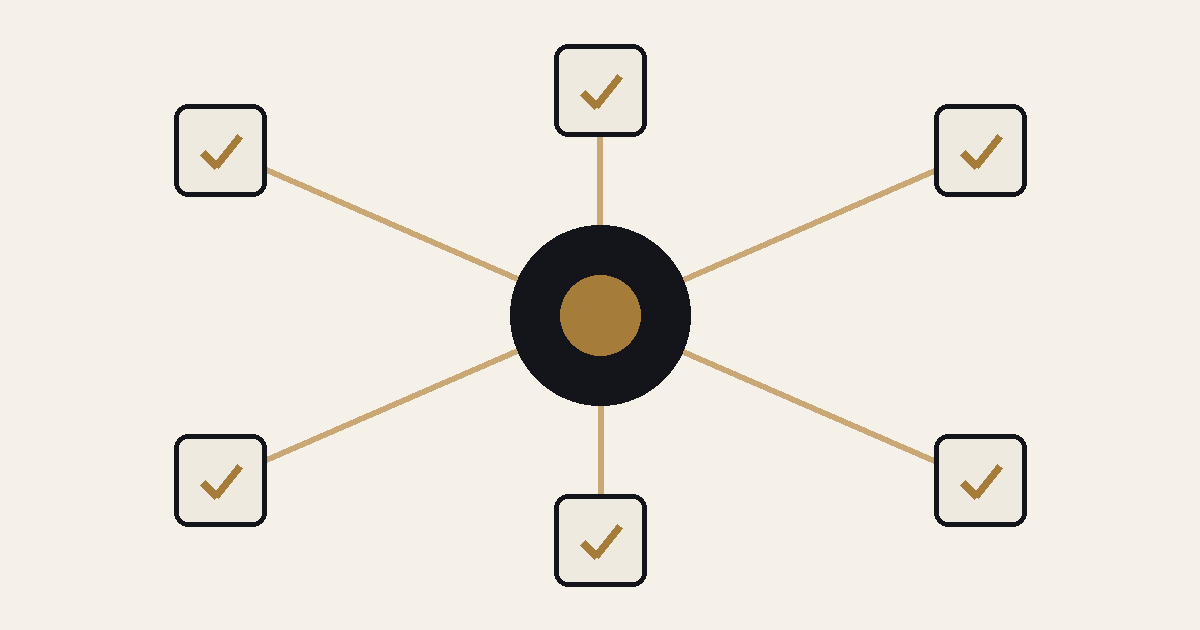
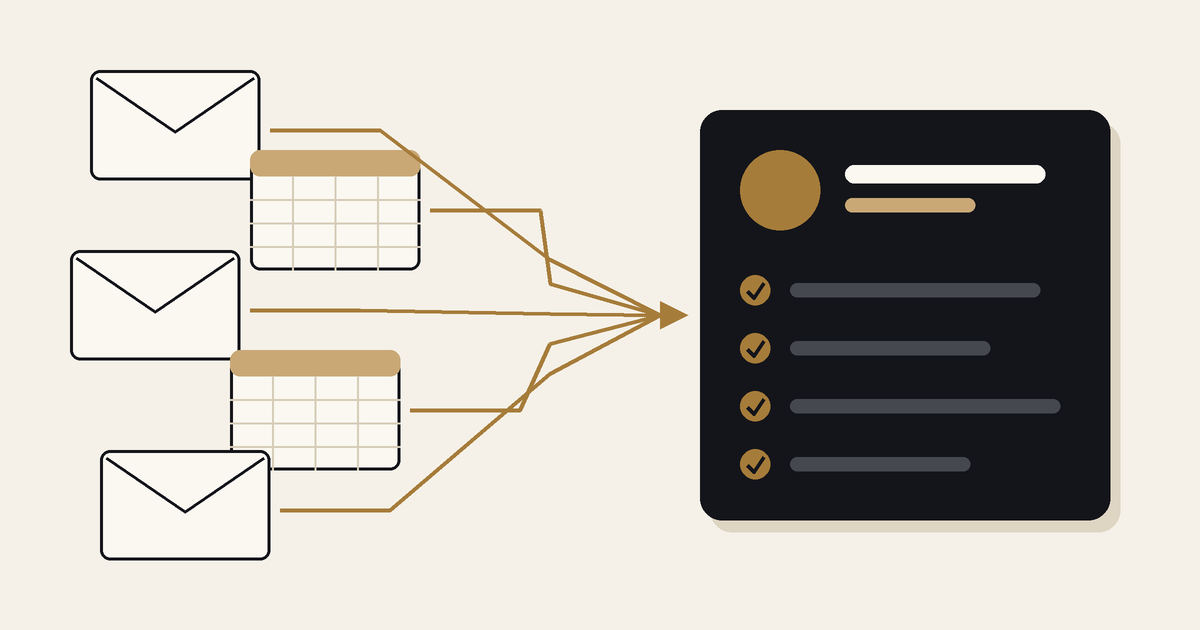
In healthcare and life sciences, a preference is usually recorded once, in one system. Outreach happens in many. Email, events, video, sales calls and webinars each pull contacts from somewhere, and each export, sync or list upload is a place where a preference can be left behind.
Where contact preferences get lost
A preference is lost when it stays in the system that recorded it while the contact moves on. It tends to happen in four places:
- Exports. A list is pulled from the CRM into a spreadsheet for another tool. The export carries names and email addresses, but not the opt out field, or nobody filters on it.
- Syncs between systems. Marketing works in HubSpot and sales in Salesforce. If the preference fields are not mapped both ways, an opt out recorded in one system never reaches the other.
- Event and form capture. Leads from a conference app or a website form arrive with whatever the capture tool recorded. If consent was not captured, or not mapped, the CRM cannot respect it.
- Old instructions. Donors and customers give instructions over the years: "mail only", "no phone calls", "contact my assistant". If those notes sit in free text, no export or workflow can act on them.
What we did at Connecticut Children's Foundation
The foundation's 2026 work focused on donor outreach and ran in three parts:
- Data Review: a review of donor communication instructions and contact records, with a cleanup report for the foundation's team.
- Export Tooling: a tool and a spreadsheet macro that turn a Salesforce report export into a ThankView ready file, and set aside donors who have no email address or have opted out.
- Integration Support: getting the ThankView to Salesforce sync working, so activity flows back to the donor record.
The result: the foundation's team produces ThankView files straight from Salesforce reports, and donors who opted out stay out of the video lists. The preference recorded in Salesforce now travels with the export.
Read about our earlier work with the foundation: Connecticut Children's case study.
The same problem in medical devices and life sciences
Fundraising teams are not the only ones exposed. GammaTile runs marketing in HubSpot, sales in Salesforce and conference lead capture in iCapture. We connected the three with a bi-directional sync, so a record captured at a show reaches both teams without a manual upload. Any field that matters to outreach, consent included, has to be part of that mapping, or it stays behind in the capture tool.
Allucent, a global provider of drug development solutions, asked us in 2024 to audit the HubSpot and WordPress integration that brings website leads into its CRM. The audit covered integration health, lead source attribution, plugin security and SSL, and training for Allucent's team. Website forms are where many preferences are first recorded, so checking that form data reaches the CRM as intended is part of keeping those preferences honest.
A five point check before your next campaign
- Find the source of truth. Decide which system owns each preference: email opt out, phone, mail, and any channel specific choice. Write it down.
- Map preferences in every sync. For each integration, confirm the preference fields are mapped, in which direction, and which system wins when they disagree.
- Filter every export. Any report used to build a list for another tool should exclude contacts who opted out, and the exclusion should be built into the report or tool, not left to memory.
- Turn notes into fields. Review free text instructions and move the ones that matter into fields that workflows and reports can use.
- Test with one contact. Opt a test contact out in the source system, then follow it through every sync and export. If it shows up on a list, you have found the gap.
Where to start
If your contacts live in HubSpot or Salesforce but your outreach runs through several other tools, it is worth checking where preferences stop travelling. Book a 30-minute CRM assessment and we will look at it with you: moblize.it/contact-us.