Allucent, a global drug development solutions provider working in more than 60 countries, ran its marketing in HubSpot and its sales in Salesforce. Leads from conferences, webinars, landing pages and organic search came in through HubSpot. Opportunities, contracts and revenue were recorded in Salesforce. The marketing team could report on leads, but its reports stopped there, so it could not show which campaigns turned into customers.
That gap is common in medical device, life sciences and healthcare teams. The dashboard exists, it is full of charts, and leadership still asks the same question at every budget review: what did marketing actually produce? This post covers why that happens and how we build marketing dashboards in HubSpot that answer it.
Why most marketing dashboards don't get used
In our experience the problem is rarely the charting tool. It is usually one of four things.
- The data stops at the handoff. If revenue lives in Salesforce and never comes back to HubSpot, a HubSpot dashboard can only count form fills, email opens and leads.
- Nobody agreed what the numbers mean. If marketing and sales define a qualified lead differently, every chart built on that stage starts an argument instead of a decision.
- It was built for everyone. A single dashboard with thirty reports serves the executive, the campaign manager and the operations lead equally badly.
- The records underneath are messy. Duplicate contacts, missing lead sources and free text fields make every count slightly wrong, and people stop trusting it after the first mismatch they find.
How we build a dashboard leadership trusts
The order of the work matters more than the reports themselves. We follow four steps.
1. Discovery: start with the decisions. Before building anything, we ask who will open the dashboard and what they will decide with it. A marketing leader deciding which conferences to fund next year needs different reports from a campaign manager checking this week's webinar follow up. For Allucent, discovery covered both HubSpot and Salesforce, to identify the key data points, workflows and user needs before any design work.
2. Data: connect what the reports need. A report on revenue by campaign needs the campaign on the contact, the contact on the opportunity, and the opportunity's outcome back in HubSpot. For Allucent that meant a bi-directional integration between HubSpot and Salesforce, so information moves in both directions and marketing can follow a lead all the way to a paying customer.
3. Build: one dashboard per audience. We keep each dashboard short and named for the people who read it. Every report on it should answer a question someone actually asks.
4. Review: give it an owner and a rhythm. A dashboard nobody reviews drifts out of date. We agree who looks at it, how often, and what happens when a number looks wrong.
Six reports a life sciences marketing team should have
Every team is different, but these six cover the questions we hear most often from medical device, CRO and biotech marketing leaders.
- Leads by source and stage. Where leads come from, such as conferences, webinars, landing pages and organic search, and how far each source's leads get.
- Stage to stage conversion. The share of leads that move from one lifecycle stage to the next. A drop at one stage points to the process that needs attention.
- Pipeline and revenue by campaign. The report leadership cares about most, and the one that depends entirely on outcomes flowing back from the sales system.
- Event performance by event name. Leads, meetings and pipeline for each conference, so next year's event budget rests on results rather than booth traffic.
- Follow up speed. How long a new lead waits for its first sales touch, measured from the moment it is created.
- Data health. New duplicates, records missing a lead source, and leads with no owner. It is the least exciting report and the one that keeps the other five honest.
What this looks like in practice
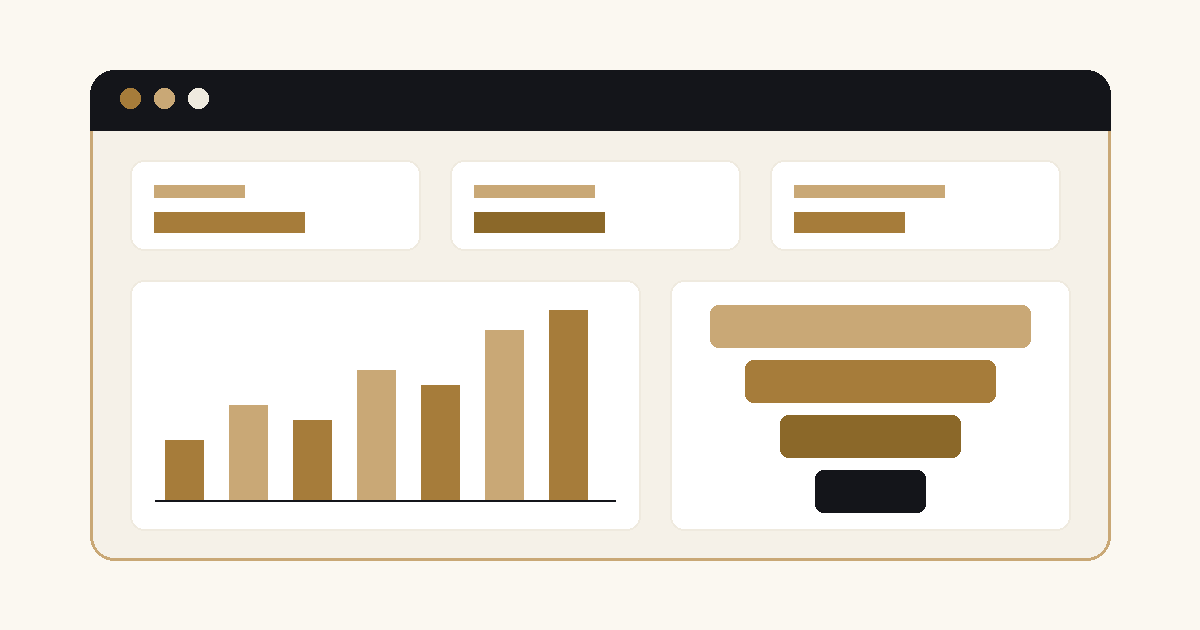
Allucent: after discovery and the bi-directional integration, we built custom HubSpot dashboards showing the KPIs the marketing team tracks, in real time. The team can now see how leads from conferences, webinars, landing pages and organic traffic progress into paying customers, and use that to optimize campaigns and demonstrate ROI. Allucent recognized 2.1x marketing ROI after the Sales Cloud integration.
"Moblize.it recently supported the implementation and integration of our Hubspot platform with our Salesforce CRM. ... I would highly recommend Moblize.it to future clients." Sam M, Senior Director, Allucent
GammaTile, which makes an FDA-cleared radiation therapy for operable brain tumors, shows why report four depends on the data step. Before our work, its conference leads arrived through manual uploads in different formats, with missing fields and duplicates, so event attribution was limited. Once leads captured in iCapture landed in HubSpot automatically and synced bi-directionally with Salesforce, GammaTile could track lead attribution and sales outcomes across marketing and sales systems.
Where to start
If your marketing reports stop at the lead, or leadership doesn't trust the numbers it sees, start with the data rather than the charts. A 30-minute CRM assessment is the simplest first step: we look at how your leads, campaigns and revenue connect across HubSpot and Salesforce, and tell you plainly what a useful dashboard would need first.
Get in touch for a 30-minute CRM assessment